📌 Key Takeaways
Key Takeaways:
- Pocodot focuses on autonomous AI agents; Zapier focuses on trigger-based workflow automation
- Pocodot agents can reason, make decisions, and handle multi-step tasks independently
- Zapier excels at connecting apps with simple if-this-then-that logic
- For teams that want AI-powered automation, Pocodot offers a more capable solution
Choosing the right automation platform can make or break your team's productivity. Two platforms that frequently come up in conversations are Pocodot and Zapier — but they approach automation from fundamentally different angles.
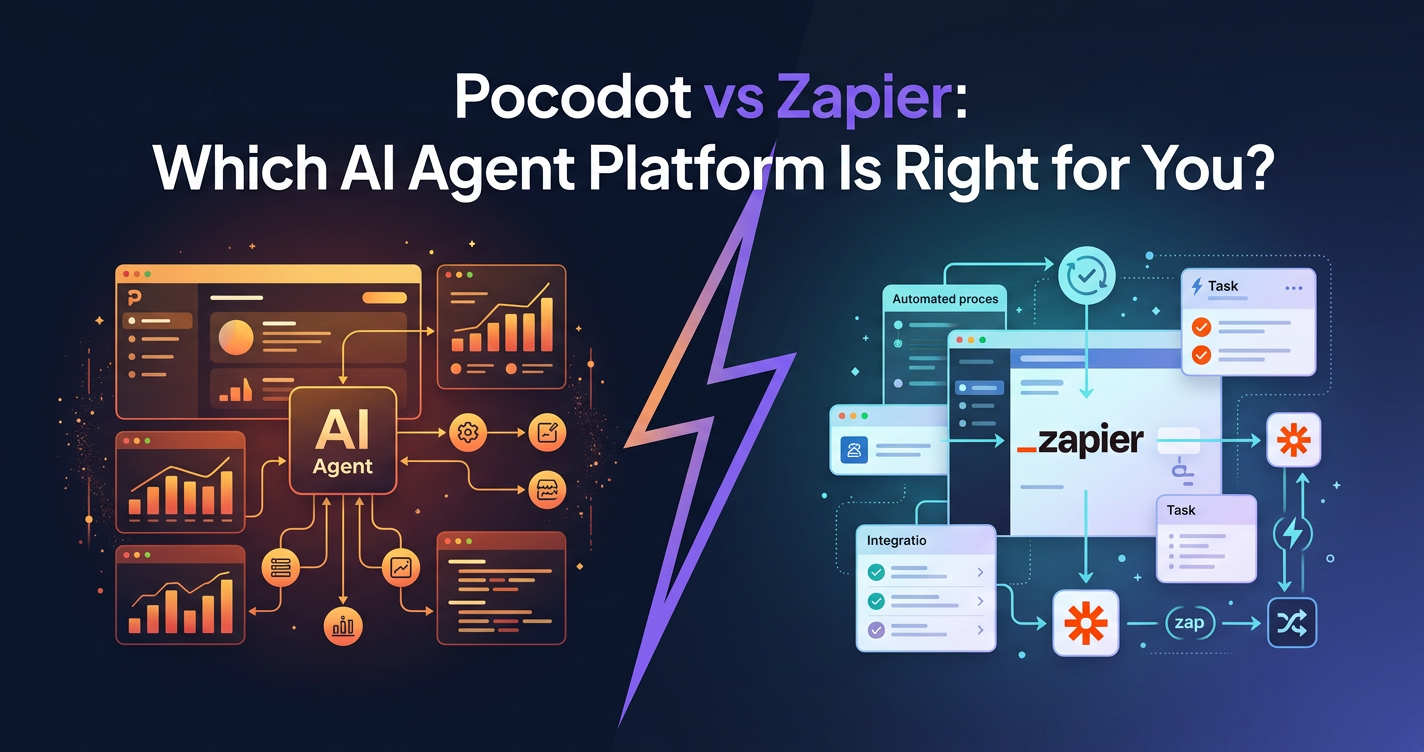
Zapier is one of the most popular no-code automation tools on the market. It connects over 6,000 apps and lets you build "Zaps" — automated workflows triggered by events. Pocodot, on the other hand, is an AI agent marketplace where you deploy autonomous agents that can reason, plan, and execute complex workflows without step-by-step instructions.
In this comparison, we will break down the key differences, help you understand which platform fits your needs, and show you where each one shines.
How Zapier Works
Zapier is built on a simple but powerful concept: triggers and actions. When something happens in one app (the trigger), Zapier performs an action in another app.
For example:
- Trigger: New row in Google Sheets → Action: Send a Slack message
- Trigger: New email in Gmail → Action: Create a Trello card
- Trigger: Form submission → Action: Add contact to Mailchimp
Zapier's Strengths
- Massive app library — 6,000+ integrations covering virtually every SaaS tool
- No-code builder — Visual editor makes it easy to create simple automations
- Reliability — Zapier has been around since 2011 and handles billions of tasks
- Multi-step Zaps — Chain multiple actions together in sequence
Zapier's Limitations
While Zapier is excellent for linear, predictable workflows, it struggles with:
- Decision-making — Zaps follow fixed paths. They cannot evaluate data and choose between approaches.
- Complex reasoning — If your workflow requires analyzing context, summarizing content, or scoring leads, Zapier needs external AI tools bolted on.
- Proactive automation — Zaps only fire when triggered. They cannot initiate actions on their own.
- Contextual memory — Each Zap execution is independent. There is no persistent memory across runs.
Note
Note: Zapier recently added "AI actions" powered by ChatGPT, but these are still constrained within the trigger-action paradigm rather than being truly autonomous.
How Pocodot Works
Pocodot takes a different approach entirely. Instead of building workflows step by step, you deploy pre-built AI agents from a curated marketplace that handle entire business processes autonomously.
Here is how it works:
- Browse the marketplace — Find agents for sales, support, productivity, marketing, and more
- Configure the agent — Set your preferences, connect your tools, and define the agent's scope
- Deploy — The agent runs autonomously, making decisions and taking actions based on its objectives
What Makes Pocodot Different
- Autonomous reasoning — Agents do not follow scripts. They analyze context and decide the best course of action.
- Multi-tool orchestration — A single agent can use email, Slack, CRMs, calendars, and more in a single workflow.
- Persistent memory — Agents remember previous interactions and learn from outcomes.
- Proactive execution — Agents can initiate actions without waiting for a trigger.
- Human-in-the-loop — When agents encounter edge cases, they escalate to humans with full context.
Side-by-Side Comparison
| Feature | Zapier | Pocodot |
|---|---|---|
| Automation model | Trigger → Action chains | Autonomous AI agents |
| Setup complexity | Low (visual builder) | Low (marketplace + config) |
| Decision-making | Fixed paths with filters | AI-powered reasoning |
| Memory | None across executions | Persistent context |
| Proactive actions | No (trigger-dependent) | Yes (scheduled + event-driven) |
| Best for | App-to-app data sync | Complex business workflows |
| AI capabilities | Bolt-on (ChatGPT actions) | Native (agents are AI-first) |
| Pricing model | Per-task pricing | Credit-based pricing |
Pro Tip
Pro Tip: You do not have to choose one or the other. Many teams use Zapier for simple data-sync automations and Pocodot agents for complex, decision-heavy workflows like lead qualification and email triage.
When to Choose Zapier
Zapier is the right choice when:
- Your workflows are linear — "When X happens, do Y" with no branching logic needed
- You need broad app connectivity — Connecting niche apps that might not have dedicated agent support
- Speed of setup matters — Simple Zaps can be built in minutes
- Volume is high, complexity is low — Moving data between apps at scale
Example Zapier Use Cases
- Syncing new CRM contacts to a mailing list
- Posting new blog articles to social media
- Sending Slack notifications for new form submissions
- Creating calendar events from email confirmations
When to Choose Pocodot
Pocodot is the right choice when:
- Your workflows require judgment — Scoring leads, triaging emails, prioritizing tasks
- You need multi-step reasoning — Researching a company, drafting a personalized email, and scheduling follow-up
- Proactive automation matters — You want agents that work on schedules or initiate actions independently
- You want AI-native tools — Rather than bolting AI onto existing workflows, you want agents built from the ground up for intelligent automation
Example Pocodot Use Cases
- Qualifying leads and drafting follow-ups automatically
- Triaging your email inbox by urgency and category
- Generating content across multiple channels
- Running a chief of staff agent that manages your daily priorities
Pricing Comparison
Zapier uses per-task pricing. Each time a Zap executes an action, it consumes a task. High-volume automations can become expensive quickly — especially multi-step Zaps where each step counts as a separate task.
Pocodot uses a credit-based system where you pay for agent actions. Credits are predictable, and you can scale usage across multiple agents without worrying about per-task costs multiplying.
| Zapier Starter | Pocodot Starter | |
|---|---|---|
| Free tier | 100 tasks/month | Free credits included |
| Paid plans | From $19.99/month | See current pricing |
| Scaling | Costs increase per task | Credits shared across agents |
Making the Right Choice
The decision comes down to what you are automating:
✅ Choose Zapier if you need simple, reliable app-to-app data transfers with minimal logic.
✅ Choose Pocodot if you want autonomous AI agents that can reason, decide, and act on complex business processes.
✅ Use both if you want Zapier for data plumbing and Pocodot agents for intelligent automation.
Get Started
Ready to see what AI agents can do for your team? Browse the Pocodot marketplace → to find agents for sales, support, productivity, and more. Or compare plans to find the right fit for your workflow.
Migration Tips: Switching from Zapier to Pocodot
If you are currently on Zapier and considering Pocodot for your AI-heavy workflows, here is a practical migration guide:
- Audit your existing Zaps — List every active Zap and categorize them: simple data sync (keep on Zapier) vs. decision-heavy workflows (migrate to Pocodot agents).
- Start with one workflow — Pick your highest-impact workflow — typically lead qualification or email triage — and set up the equivalent Pocodot agent alongside your existing Zap.
- Run both in parallel — Let both systems process the same inputs for one to two weeks. Compare outputs, accuracy, and time saved.
- Measure and decide — Track three metrics: response quality, speed, and manual intervention rate. If the Pocodot agent outperforms, deactivate the Zap.
- Expand gradually — Move one workflow at a time. There is no need to migrate everything at once. Many teams run Zapier and Pocodot side by side permanently.
Note
Note: Pocodot agents do not replace every Zap. Simple data-sync automations (new row → Slack message) are perfectly fine on Zapier. Focus your migration on workflows that benefit from AI reasoning and multi-step decision-making.